API History
Introduction
As an admin user, you can access the complete history of all threads created via PromptQL Natural Language API calls to your project.
- View all threads created through Natural Language API calls
- Access complete conversation history in read-only mode
- Filter and search through threads to find specific interactions
- Analyze usage patterns and identify common queries
Access API history
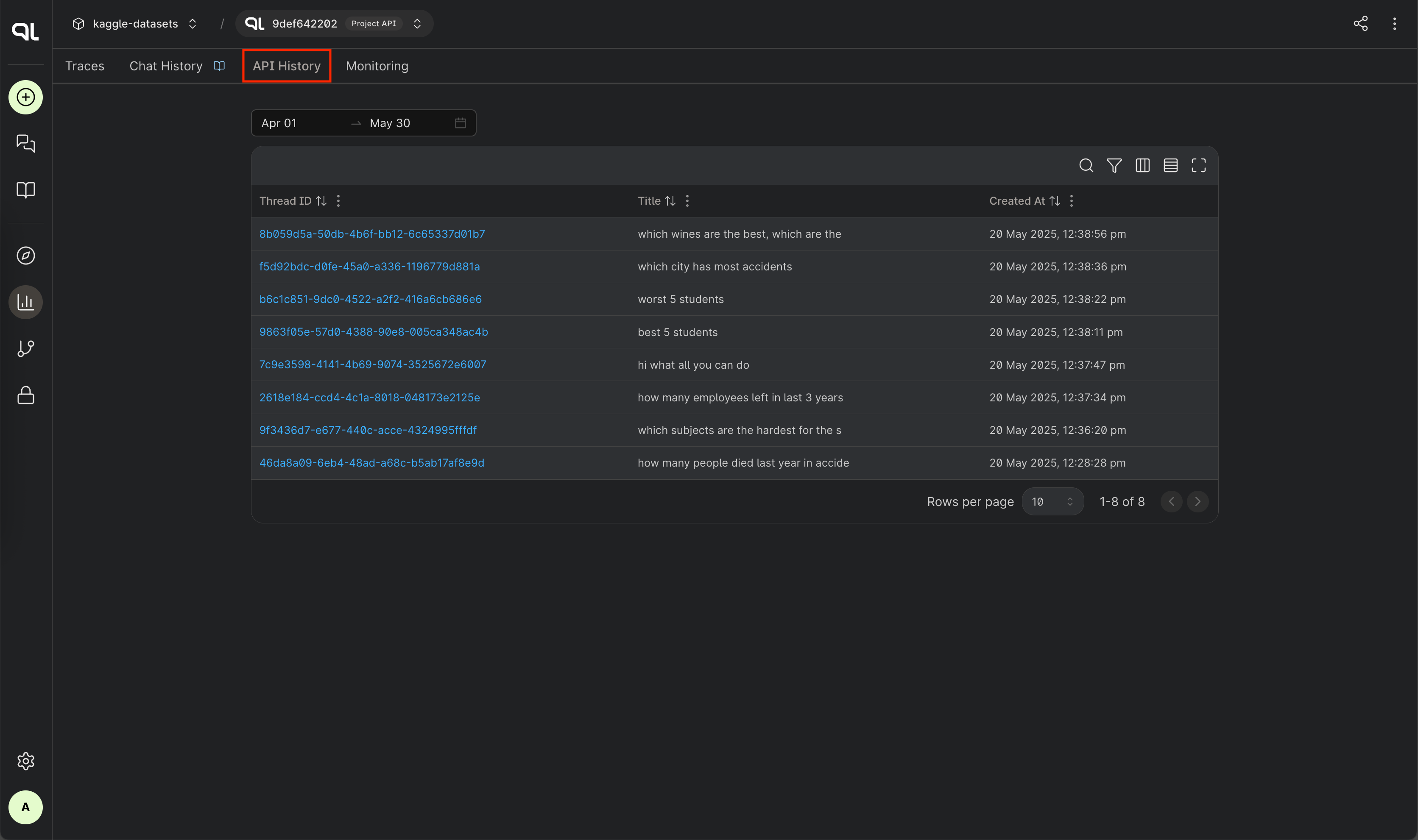
Navigate to the Insights tab in your project dashboard, then select API History.
View API threads
The API history table displays:
- Thread ID - Click to view complete thread details
- Thread Name - Name of the conversation thread
- Created At - When the thread was created
Date range
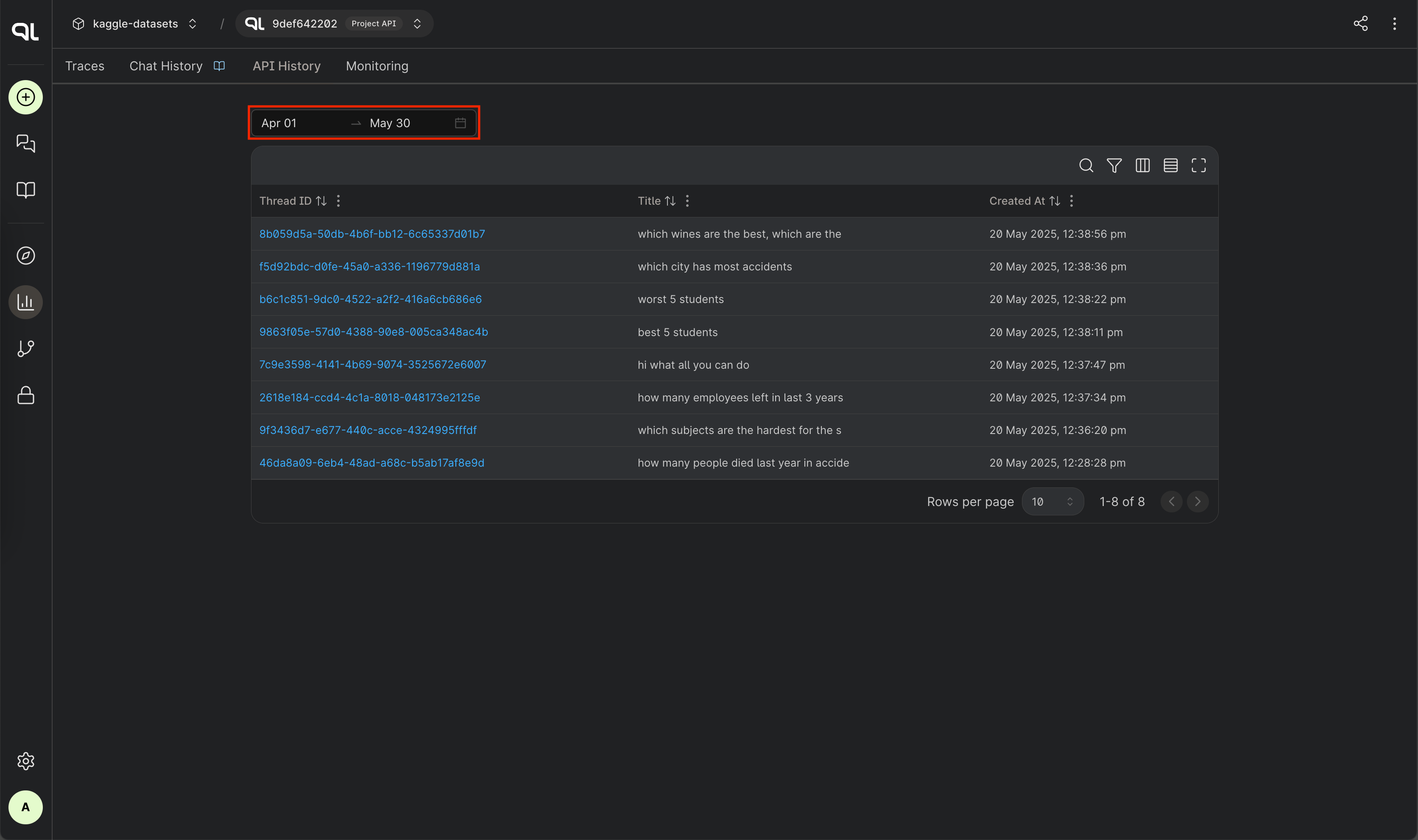
Select a date range to filter threads by creation time.
Search and filter
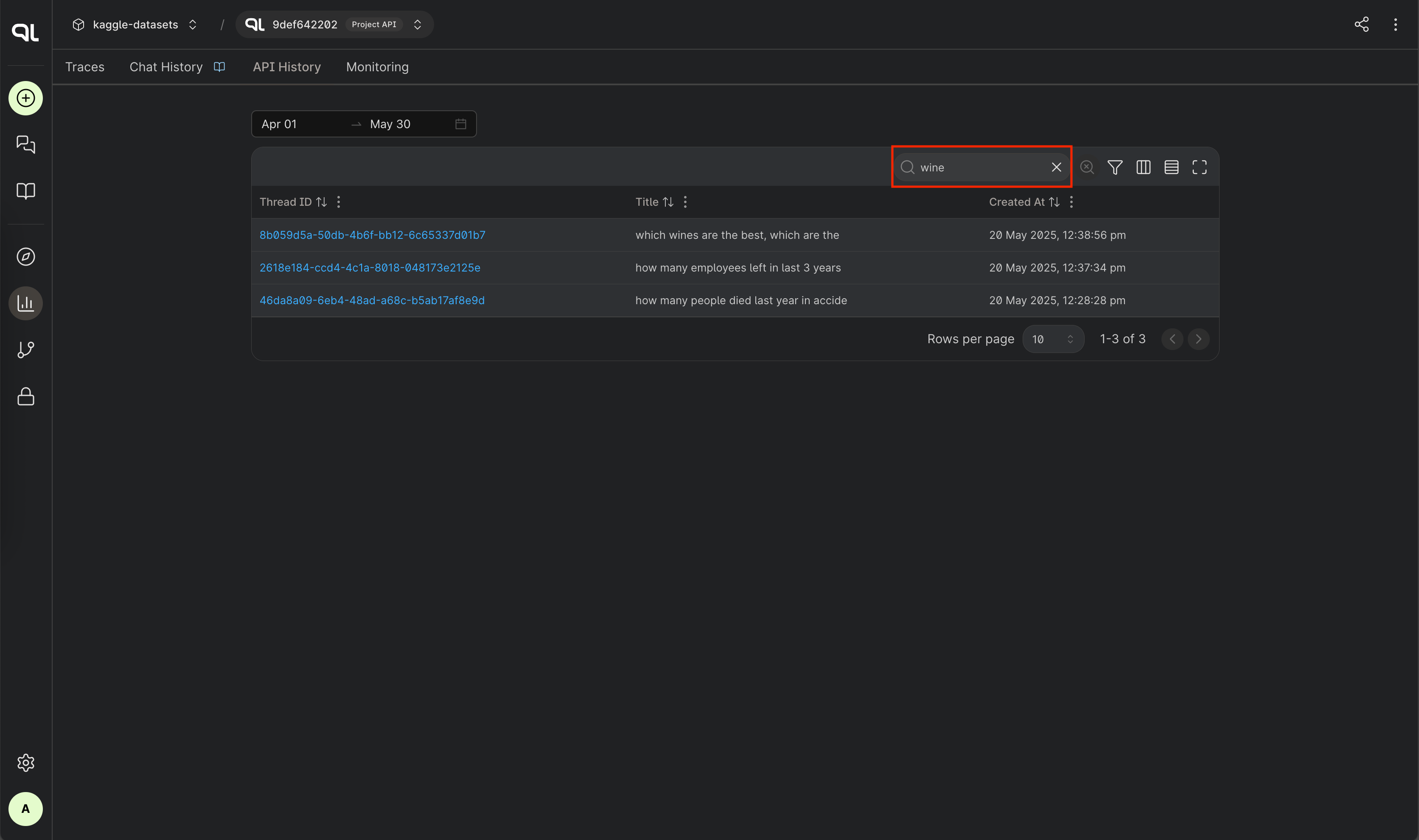
Search for specific threads using the search functionality to find threads by ID or title.
API thread details
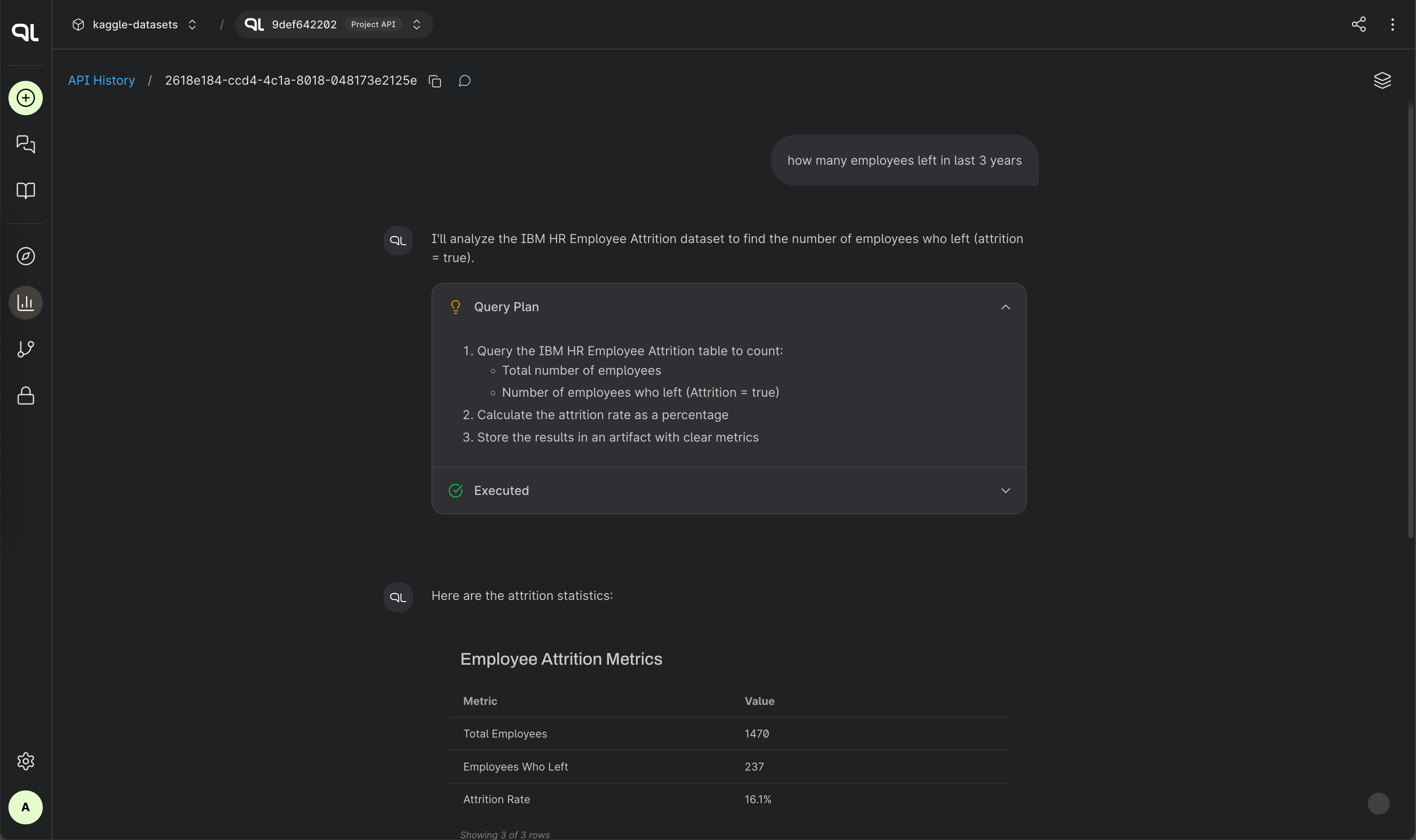
Click on any Thread ID to view the complete conversation history for that thread. The detail page shows:
- Full conversation with all messages and artifacts (in read-only mode)
- Thread ID displayed with copy functionality
- Breadcrumb navigation back to api history
Admin capabilities
This feature is only available to users with the admin role. Monitor PromptQL API usage to:
- Track threads created through PromptQL Natural Language API calls
- Analyze conversation patterns and user interactions
- Monitor PromptQL API usage across your project
- Debug issues with PromptQL integrations
Requirements
- PromptQL must be enabled for your project
- Admin privileges required
- API calls retained based on your data retention policy